Deutsch · English
Install Inkpaper
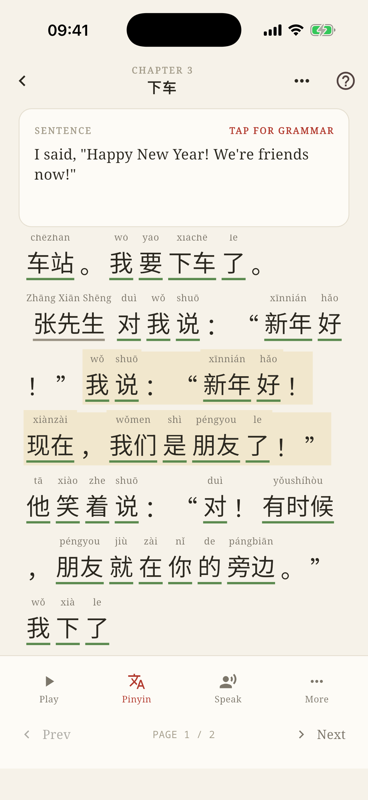
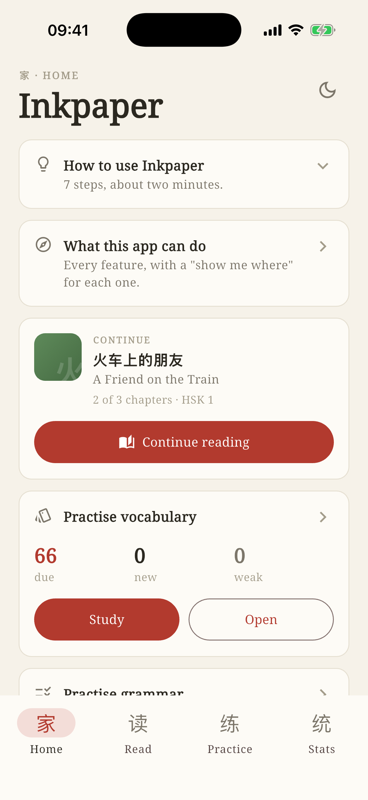
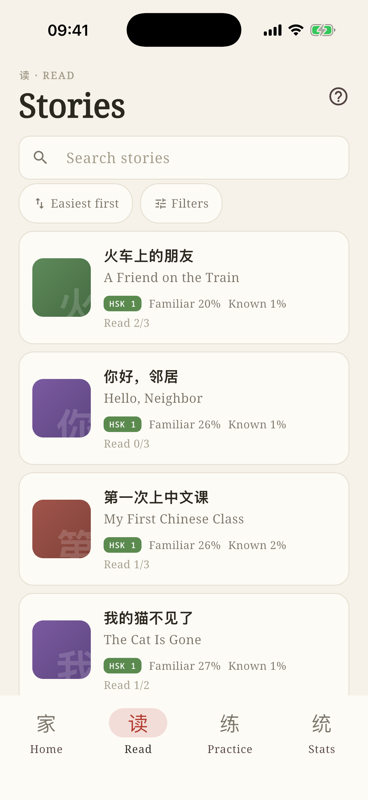
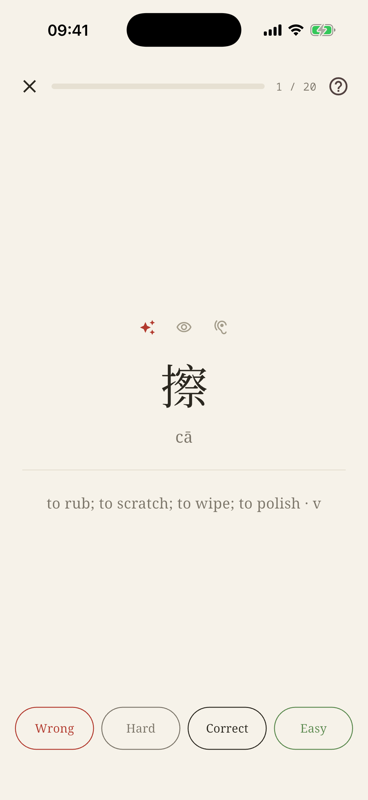
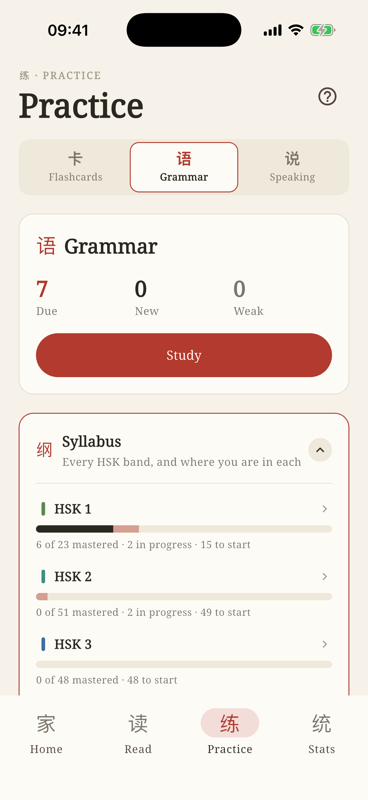
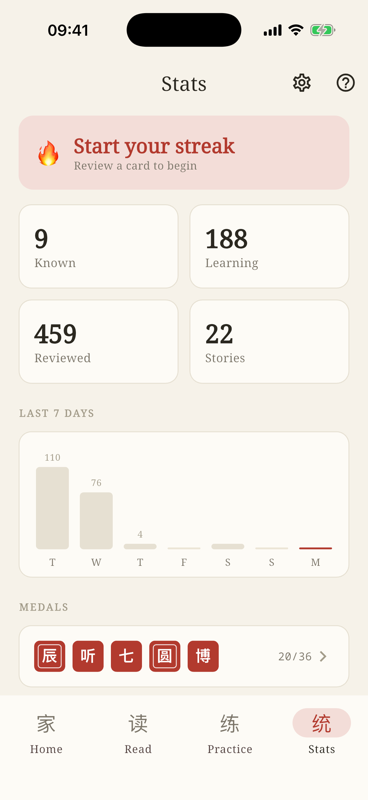
Learn Chinese by reading: graded stories from HSK 1 to 6, with pinyin, tone, translation and audio for every word. Alongside them, speaking practice with feedback on your tones, the complete official grammar curriculum, and flashcards reviewed at growing intervals. Vocabulary and grammar go up to HSK 7–9.
For iPhone, iPad and Android. Free while the beta runs.
iPhone & iPad
Three steps:
- Install TestFlight — Apple’s own app for trying out software that has not been released yet. There is no way around it, and it is free.
- Then come back here and tap the button below. If TestFlight asks for a code when it first opens, ignore that — the button needs neither a code nor an invitation.
- Tap “Install” in TestFlight — after that Inkpaper sits on your home screen like any other app.
Reading this on a computer? The install happens on the device itself. Open this page on the iPhone or iPad — or scan the QR code with the device you want the app on; the same three steps are waiting there.
Android
Three steps:
- Join the Google Group — with the same Google account your phone is signed in with. That membership is what unlocks the Play Store listing for you.
- Then open the Play Store link.
- Tap “Install” — as with any other app.
Frankly: Android is running as a closed test at the moment. Google requires every tester to be enrolled in advance through their Google account, which is what the detour via the group is for. Without joining, the Play Store simply reports that the test is unavailable — the app is not missing, your account just has not been let in yet.
It can take a few minutes between joining and being let in. If the Play Store does not show the test yet, opening the link again shortly afterwards usually does it.
A look inside the app
Scanned a code and landed here? Pick your platform above — and your language at the top right.